Get Your Amateur Radio License
Everything you need to earn your Technician, General, or Amateur Extra license through DLARC and the ARRL Volunteer Examiner Program.
How It Works
Getting licensed is easier than you might think. Follow these three simple steps to become a licensed amateur radio operator.
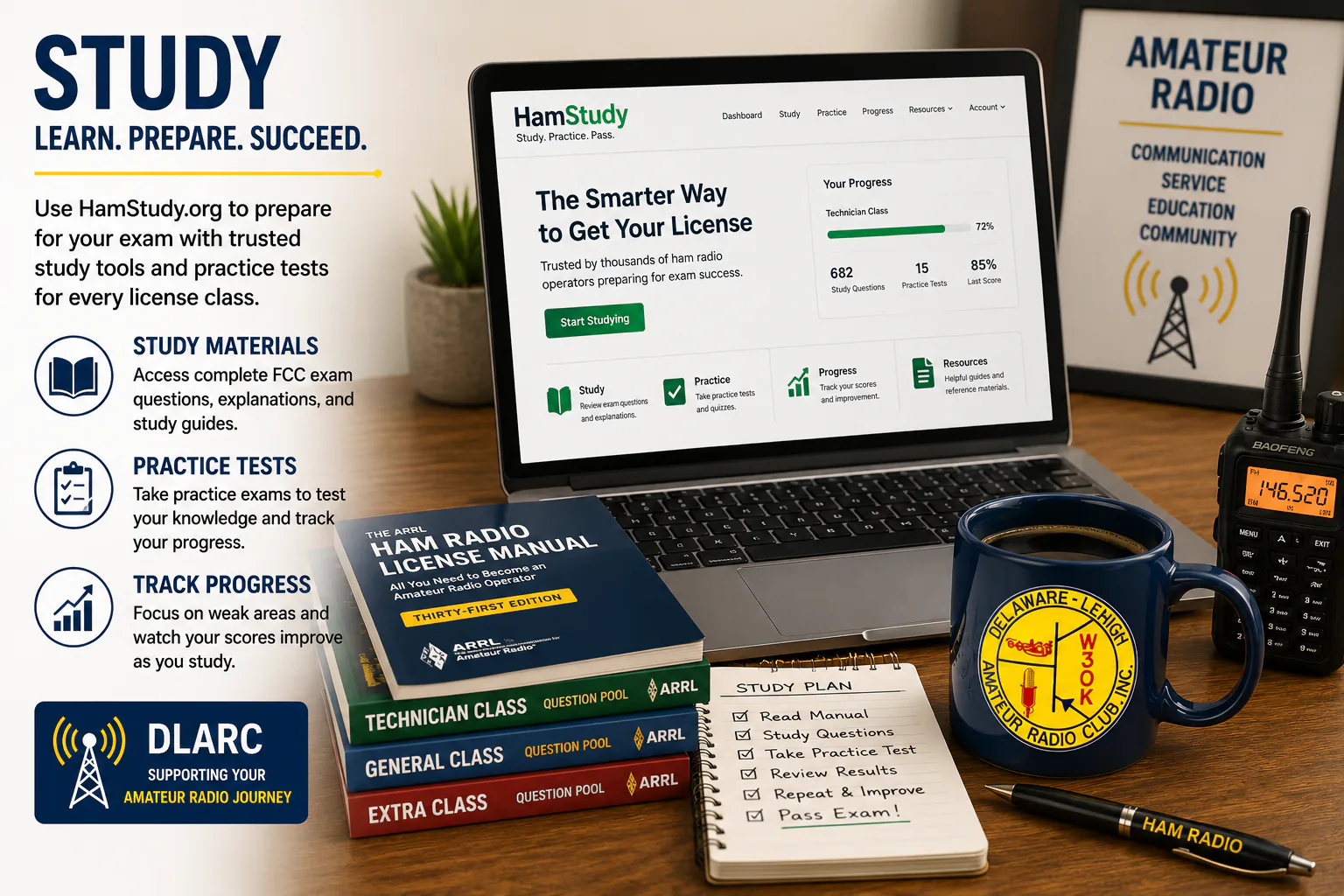
1. Study
Prepare for your Technician, General, or Amateur Extra exam using HamStudy.org, club classes, books, or online resources.
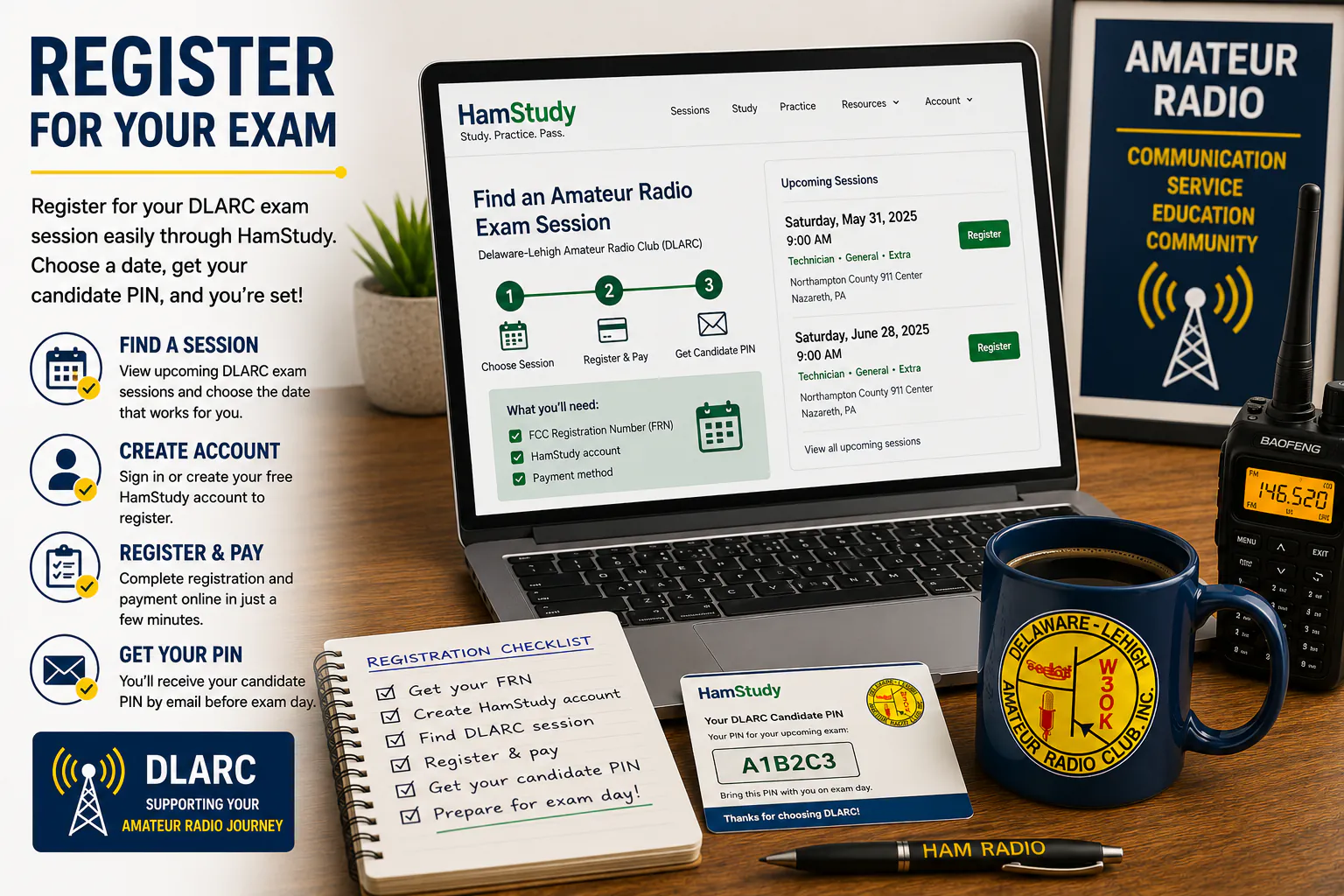
2. Register
Create a HamStudy account, obtain your FCC Registration Number (FRN), register for a DLARC exam session, and receive your candidate PIN for testing.
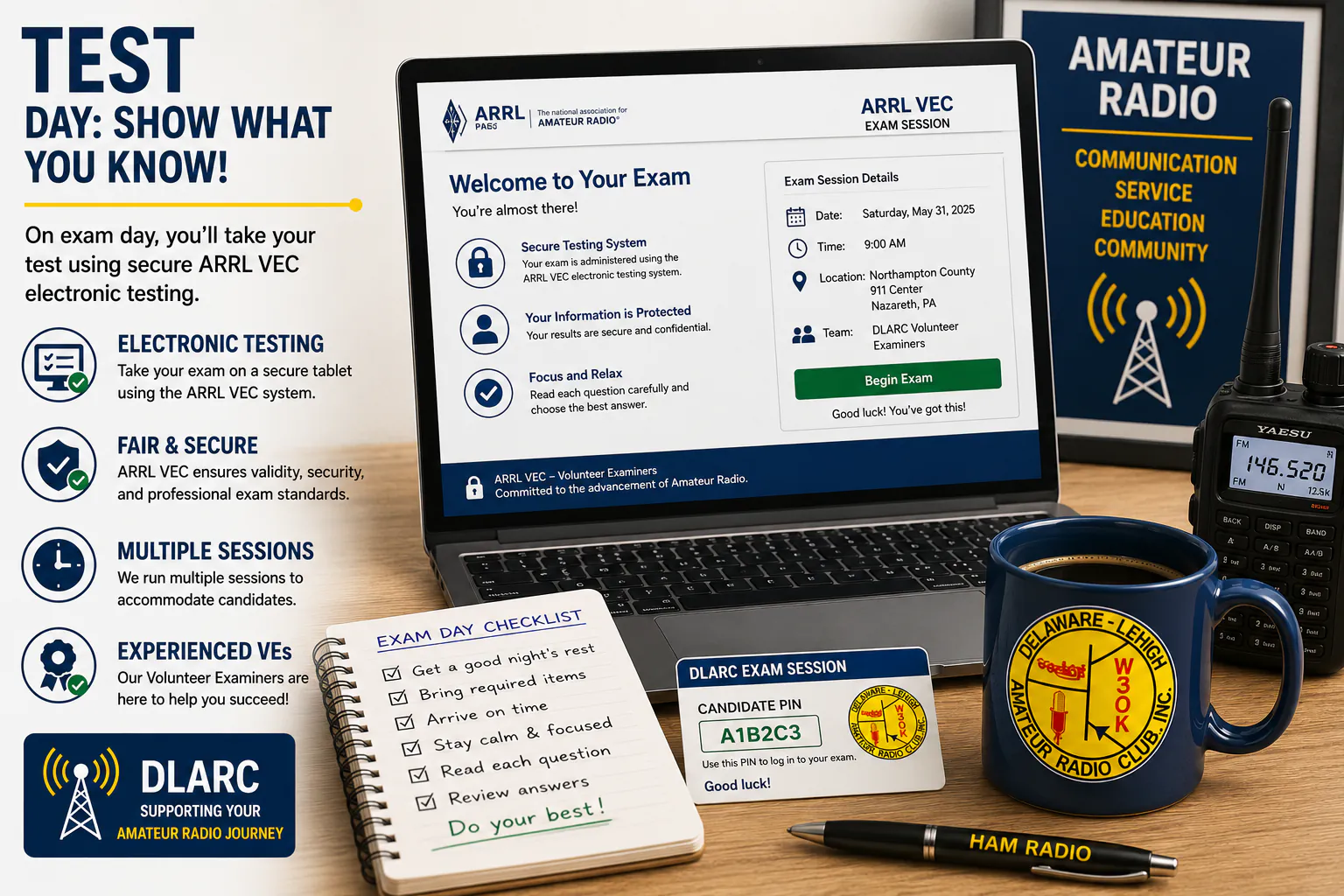
3. Test
Take your exam at the Northampton County 911 Center using our digital testing system and receive immediate results.
Register For A DLARC Exam Session
Once you have your FCC Registration Number (FRN) and a HamStudy account, you are ready to register for a DLARC exam session.
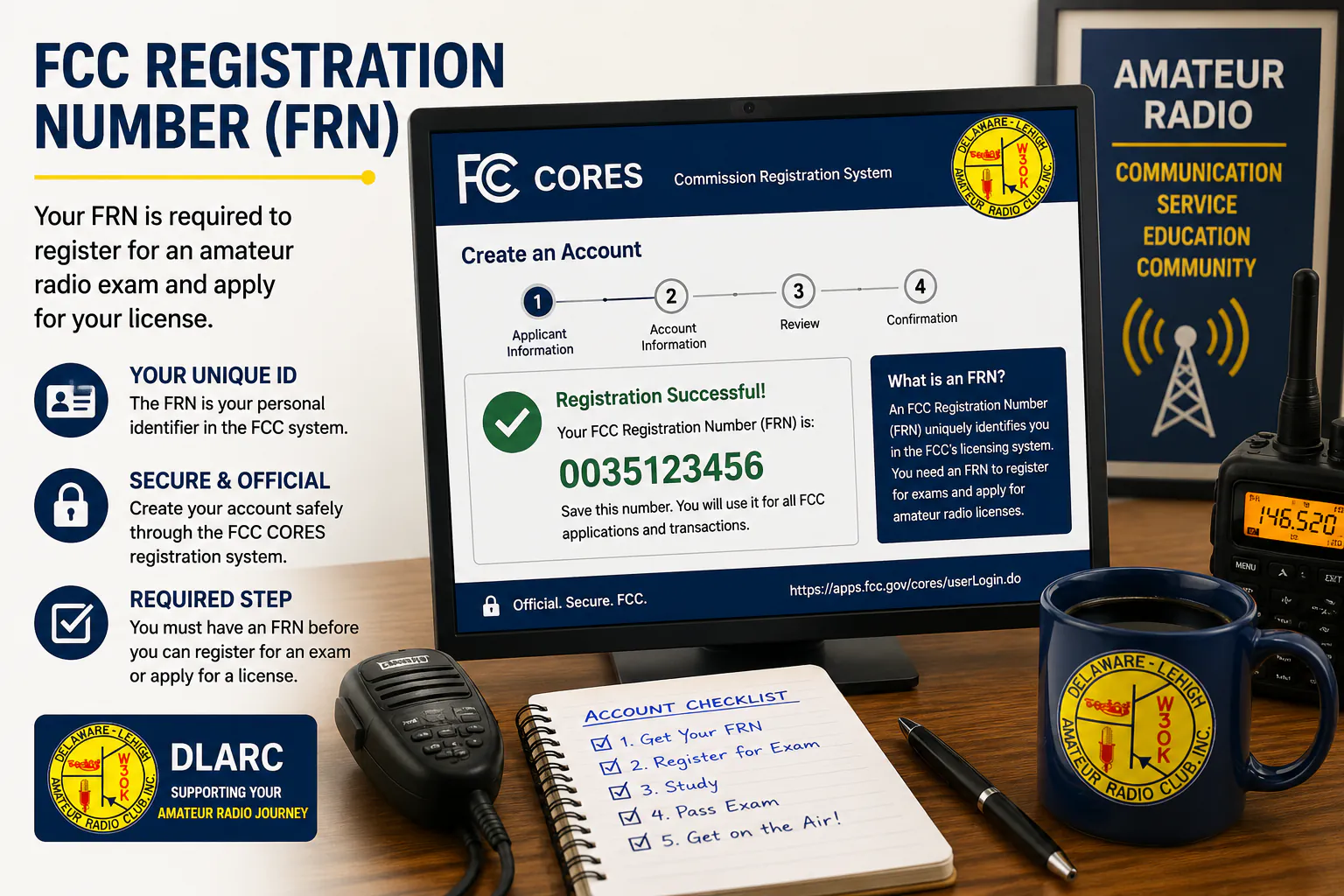
Step 1
Create Your FRN
Obtain your free FCC Registration Number through FCC CORES.
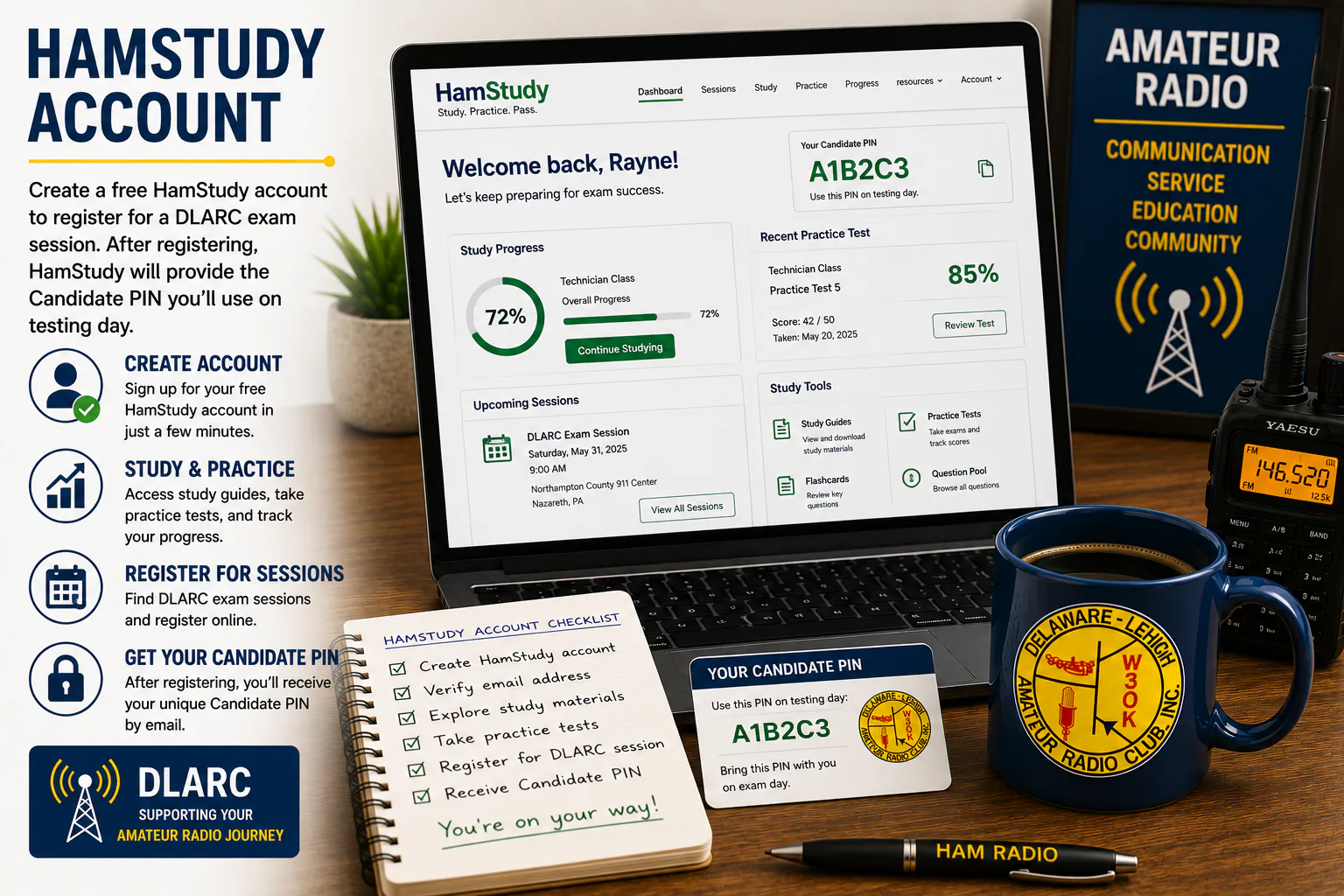
Step 2
Create HamStudy Account
Create a free HamStudy account used for registration and testing.
Step 3
Register For Session
Choose a DLARC testing session and complete registration.
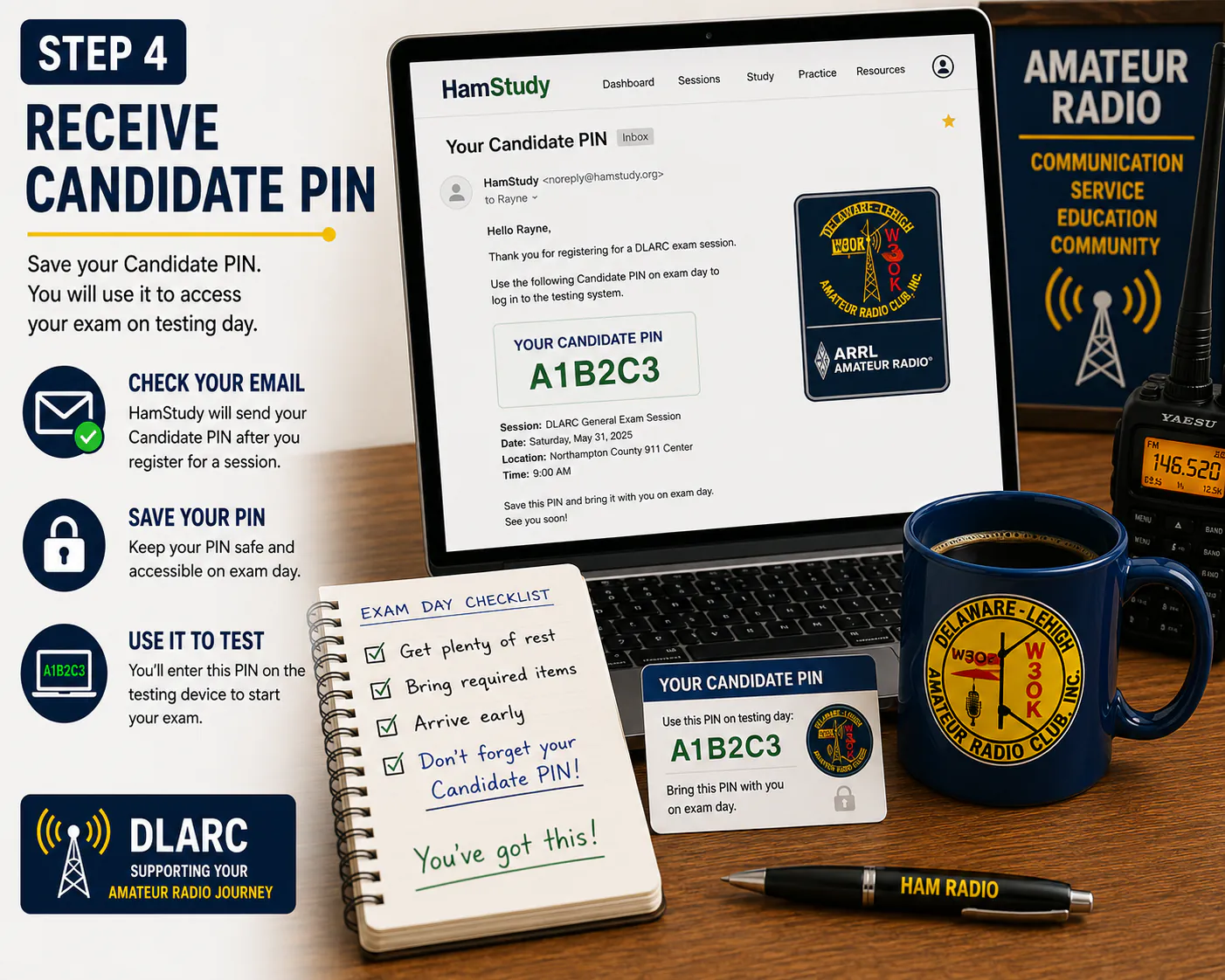
Step 4
Receive Candidate PIN
Save your Candidate PIN. You will use it to access your exam on testing day.
What To Bring
Please bring the following items with you on testing day. Having everything ready will help your exam session start smoothly and on time.
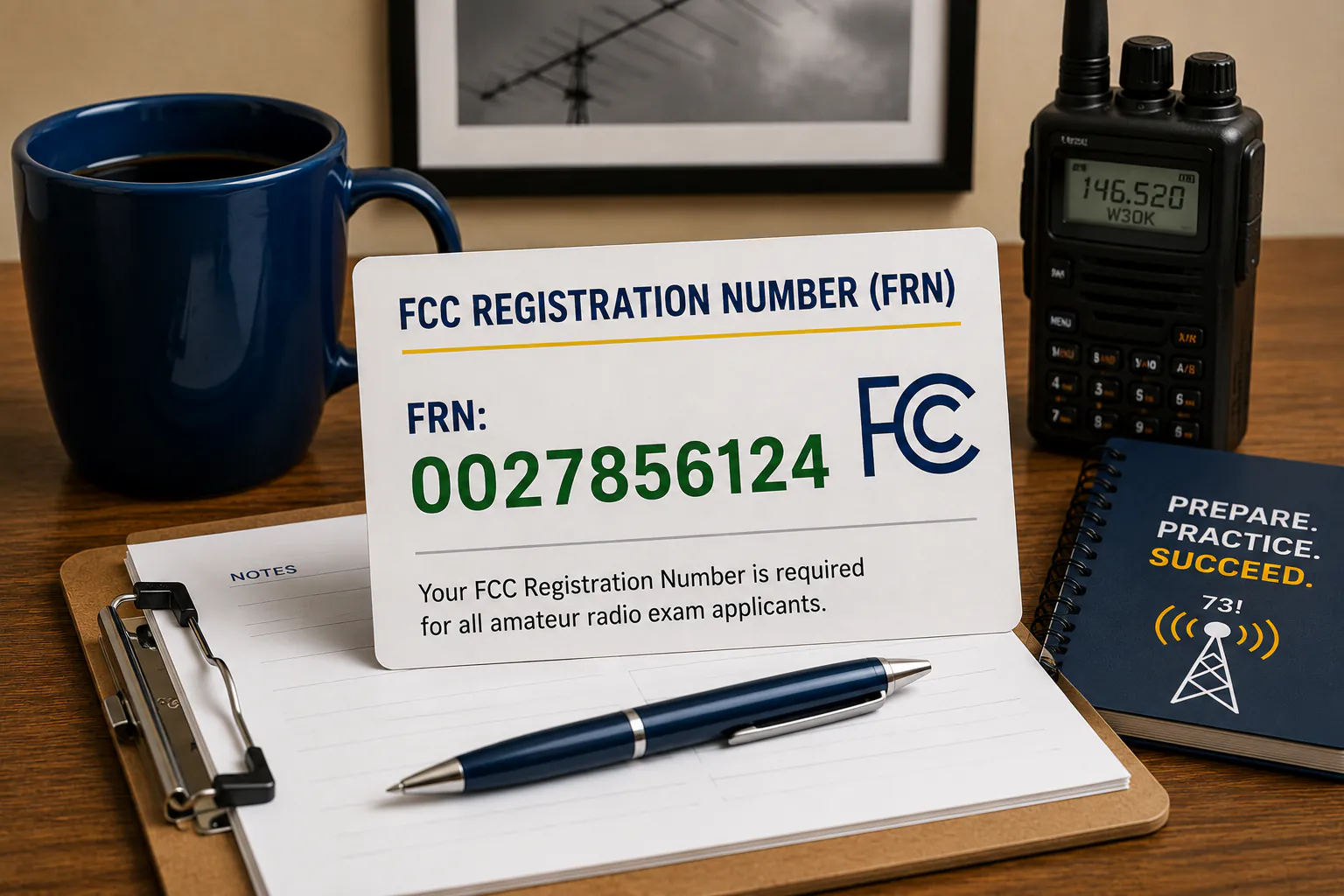
FCC Registration Number (FRN)
Your FCC Registration Number is required for all exam applicants.
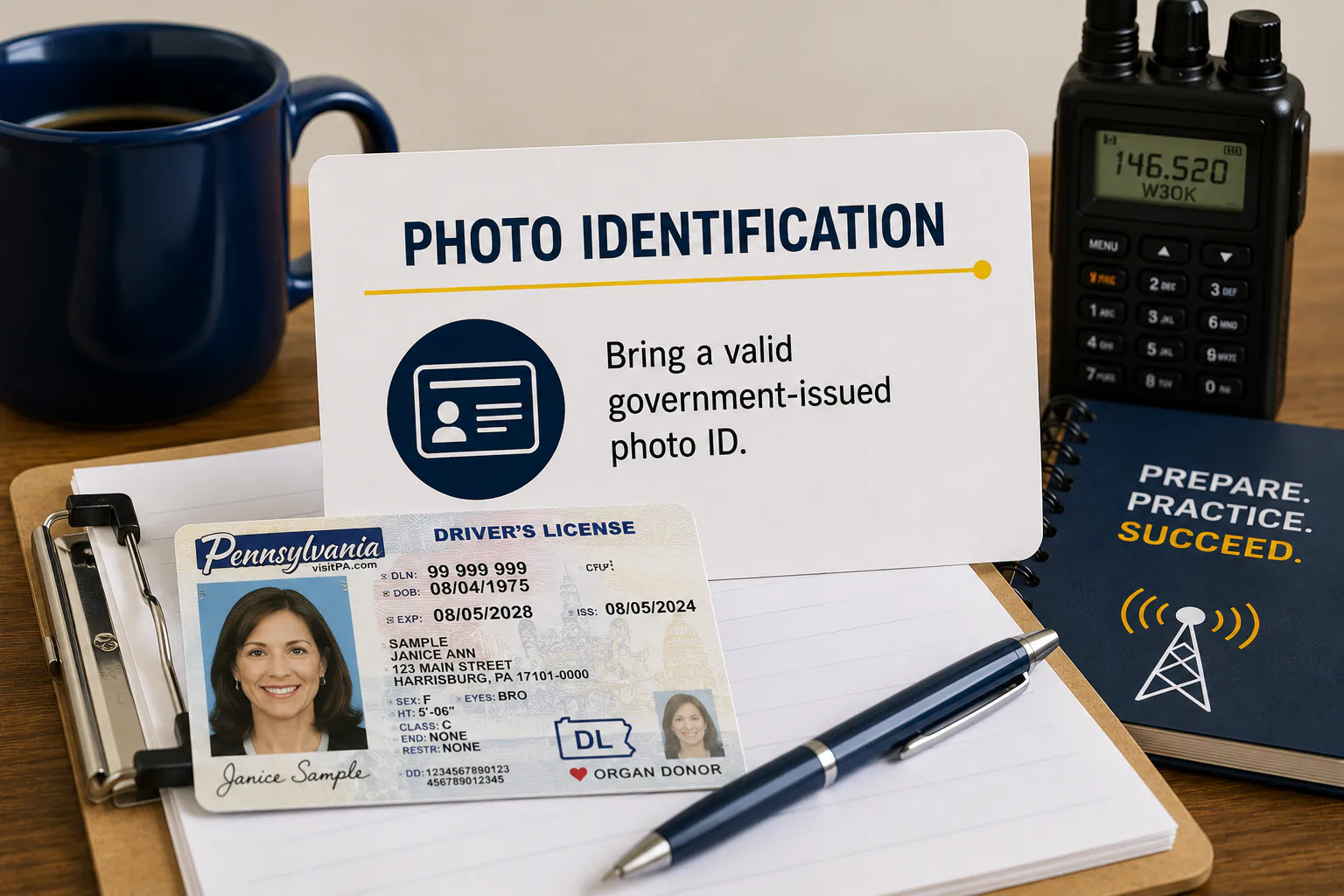
Photo Identification
Bring a valid government-issued photo ID.
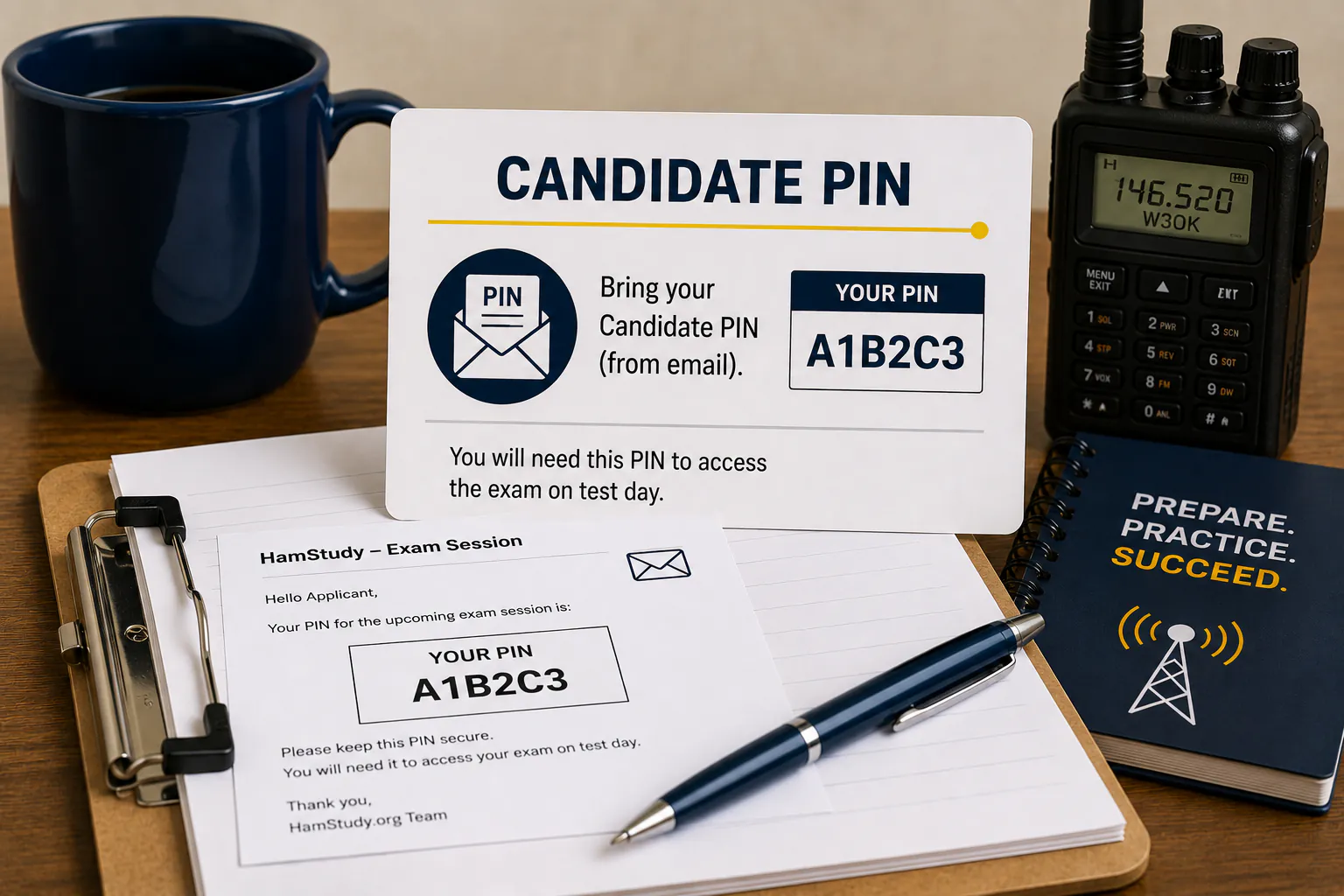
Candidate PIN
Your Candidate PIN is provided through HamStudy after session registration.
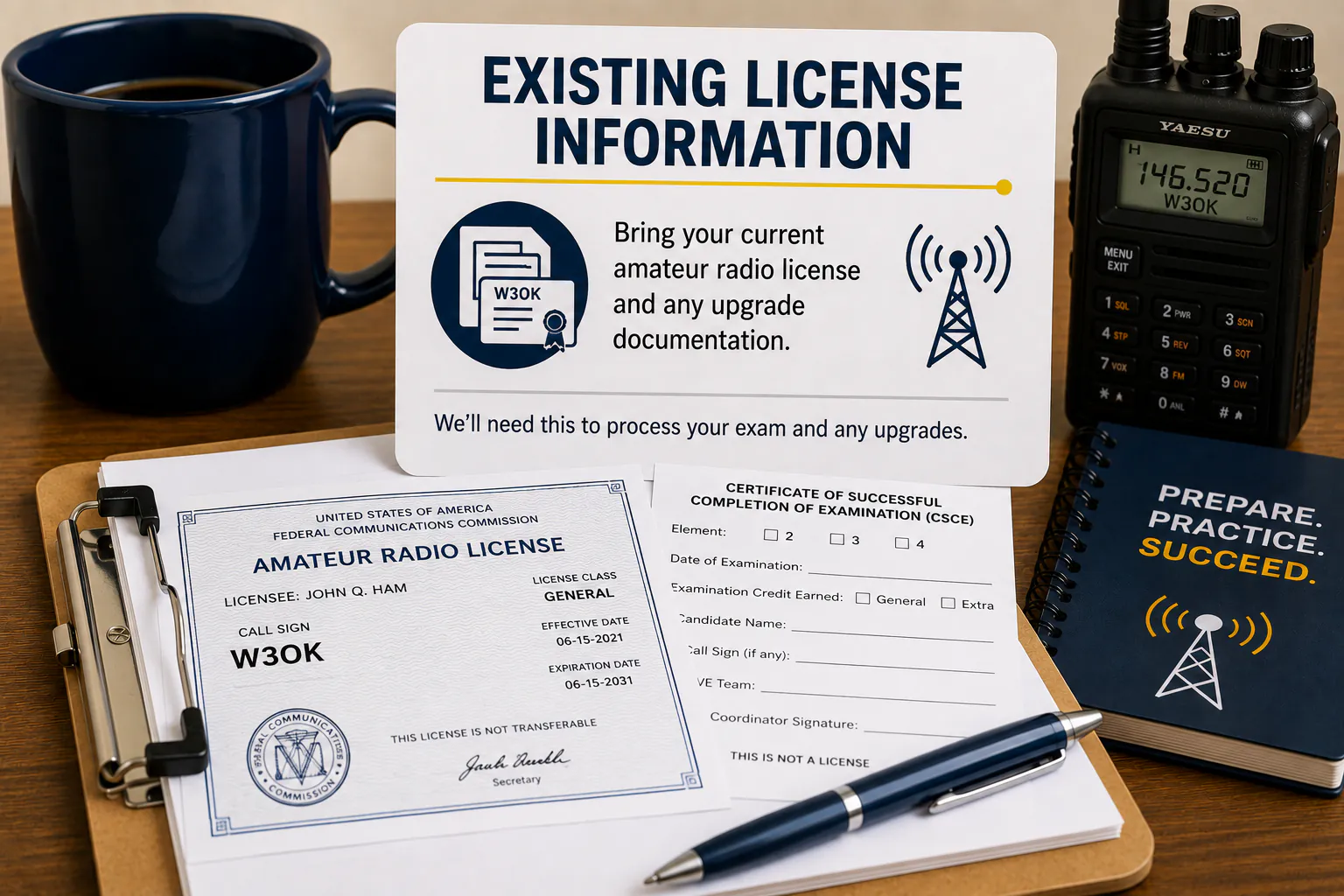
Existing License Information
If upgrading, bring a copy of your current amateur radio license and any supporting documentation.
Testing Location
DLARC amateur radio examinations are conducted at the Northampton County 911 Center in Nazareth, Pennsylvania. Please arrive a 15 minutes early and follow posted signs to the testing room.
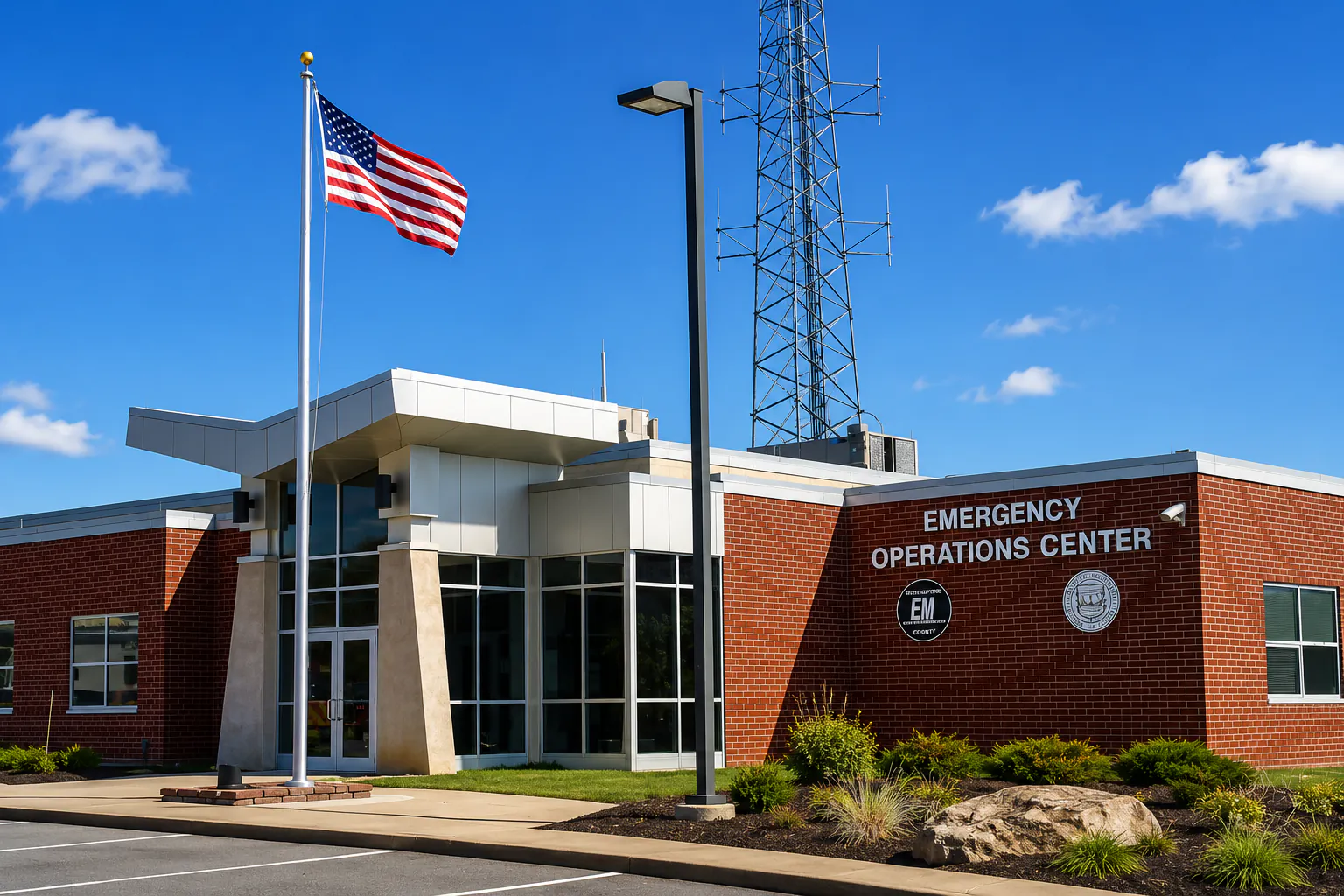
Northampton County 911 Center
100 Gracedale Avenue
Nazareth, PA 18064
Our Volunteer Examiner team conducts digital examinations at this location using ExamTools and HamStudy.
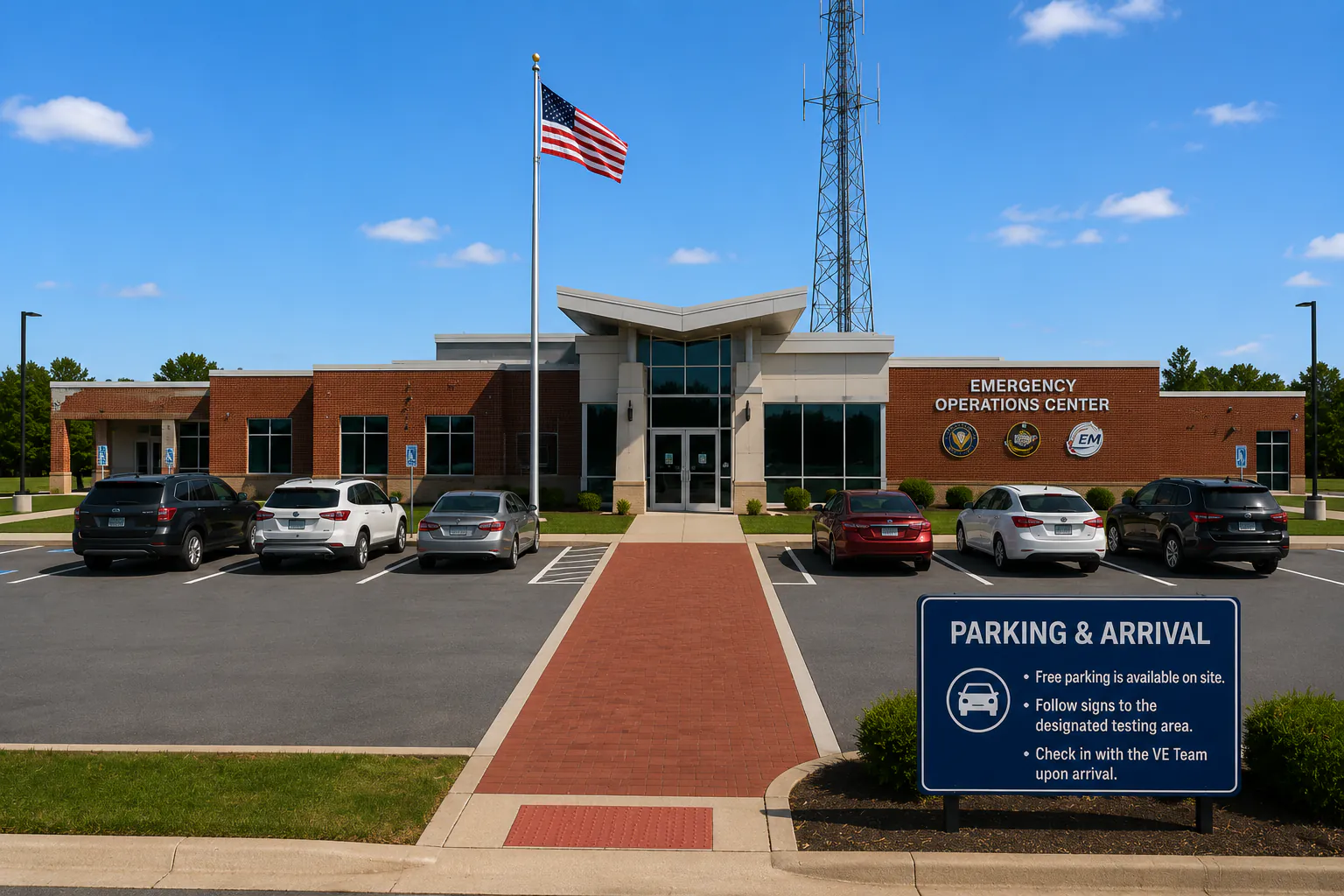
Parking & Arrival
Free parking is available on site. Go to the main doors and follow signs to the designated testing area and check in with the Volunteer Examiner team upon arrival.
Exam Day Process
Testing day is simple and designed to be stress-free. Our Volunteer Examiner team will guide you through each step of the process.
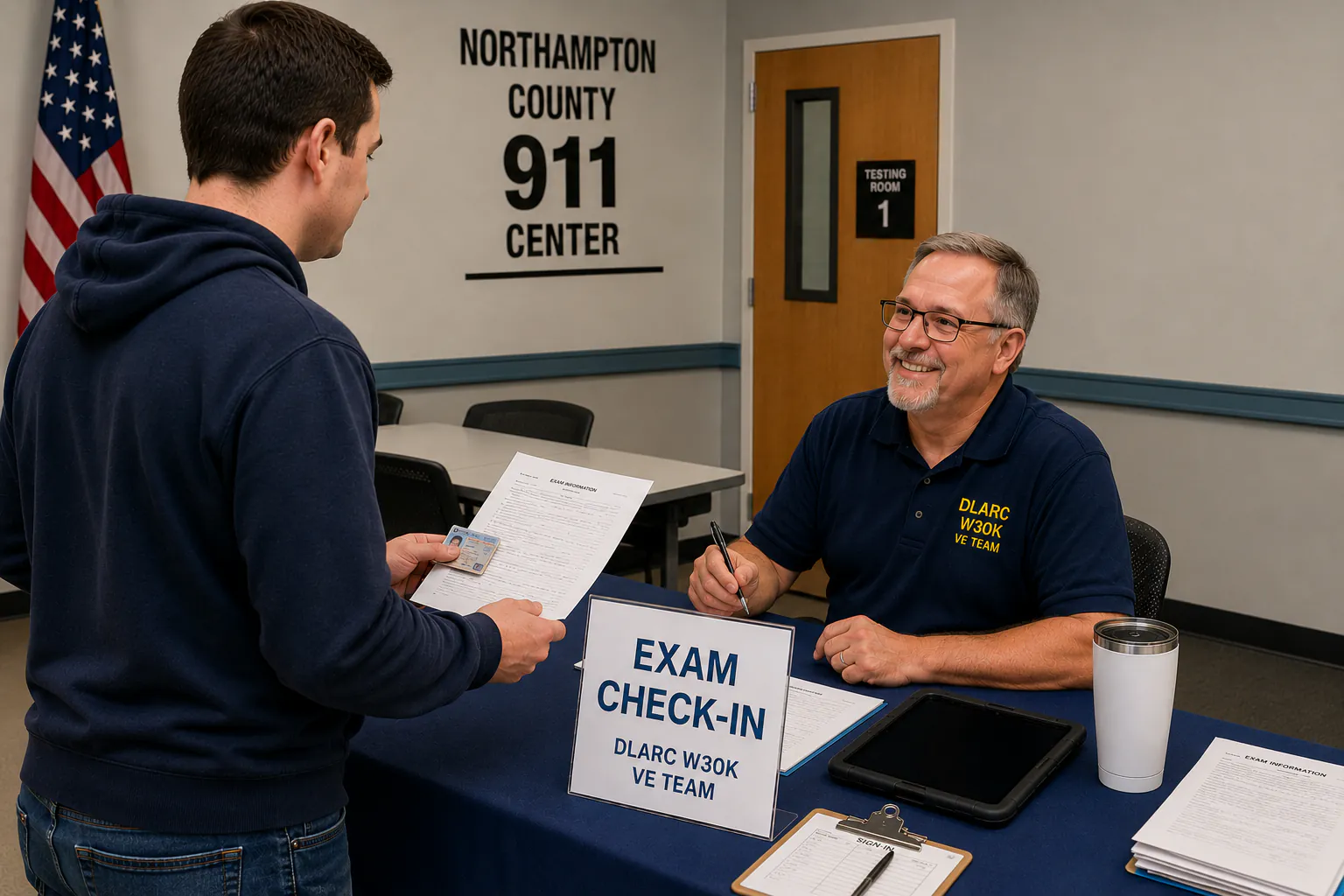
Check In
Arrive at the testing room and check in with the Volunteer Examiner team.
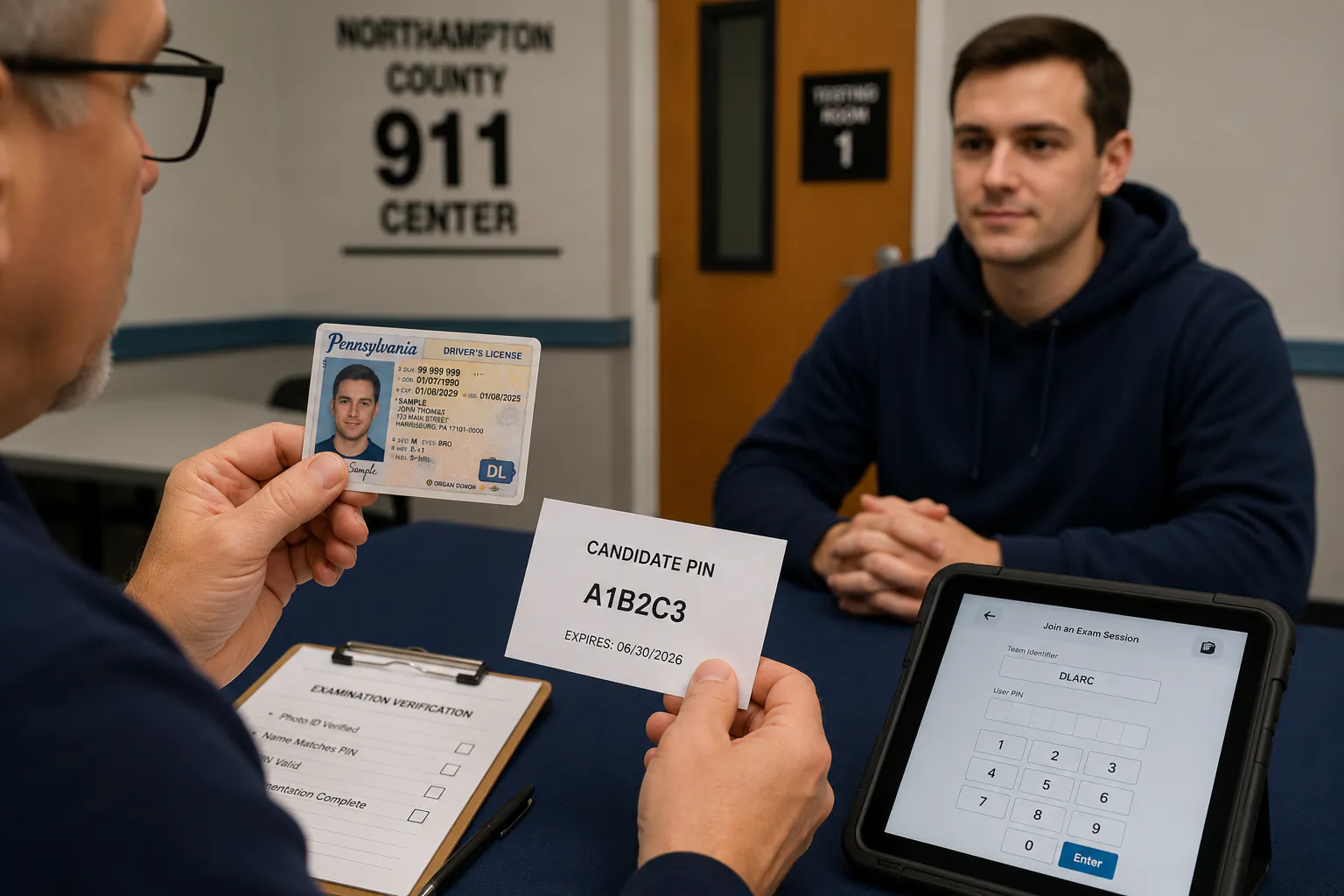
Verify ID
You will receive a testing tablet and enter your Candidate PIN to access your exam.
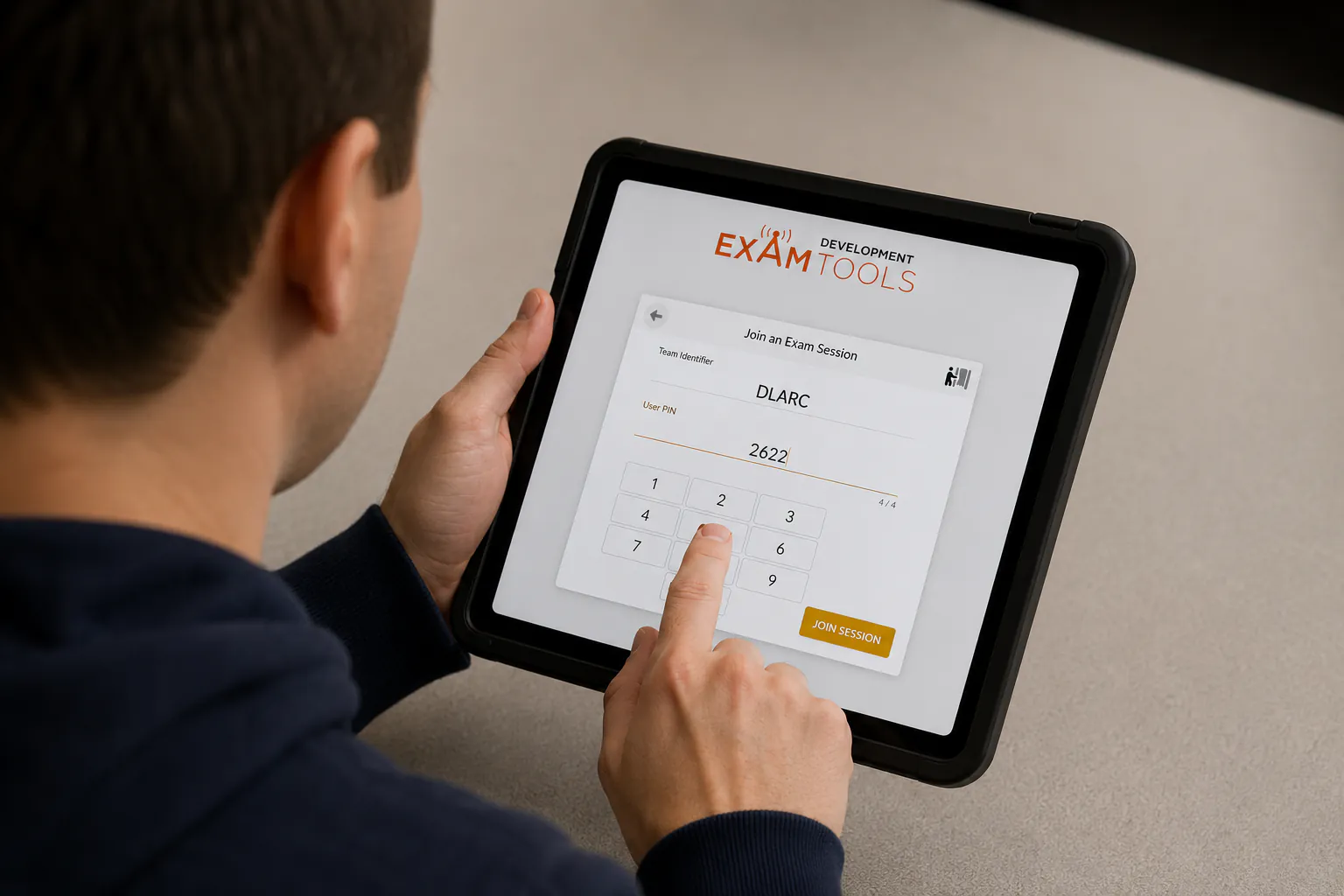
Join Session
Use your Candidate PIN to join the scheduled ExamTools testing session.
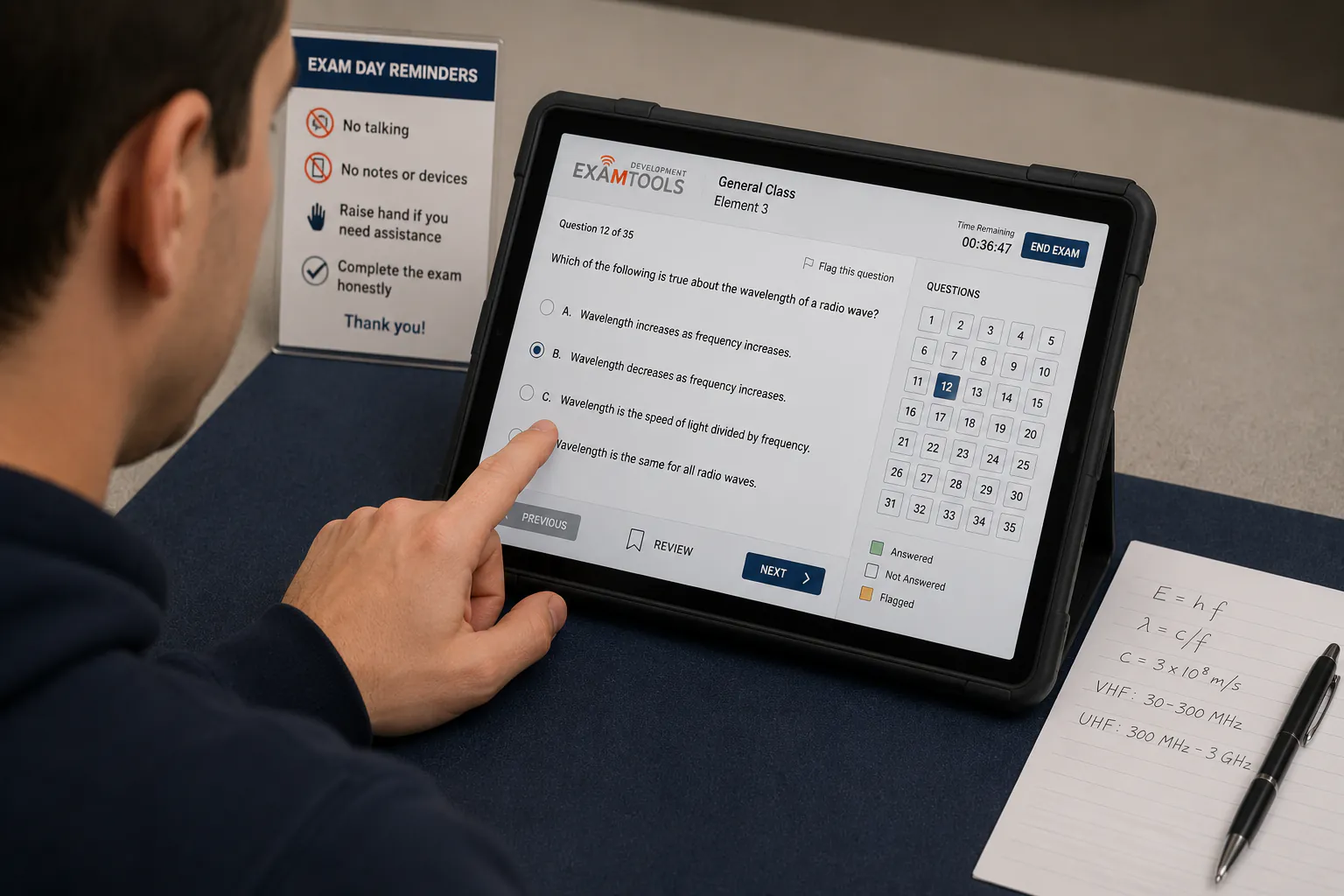
Take Exam
Complete your examination using the digital testing system. Scratch paper and assistance will be provided if needed.
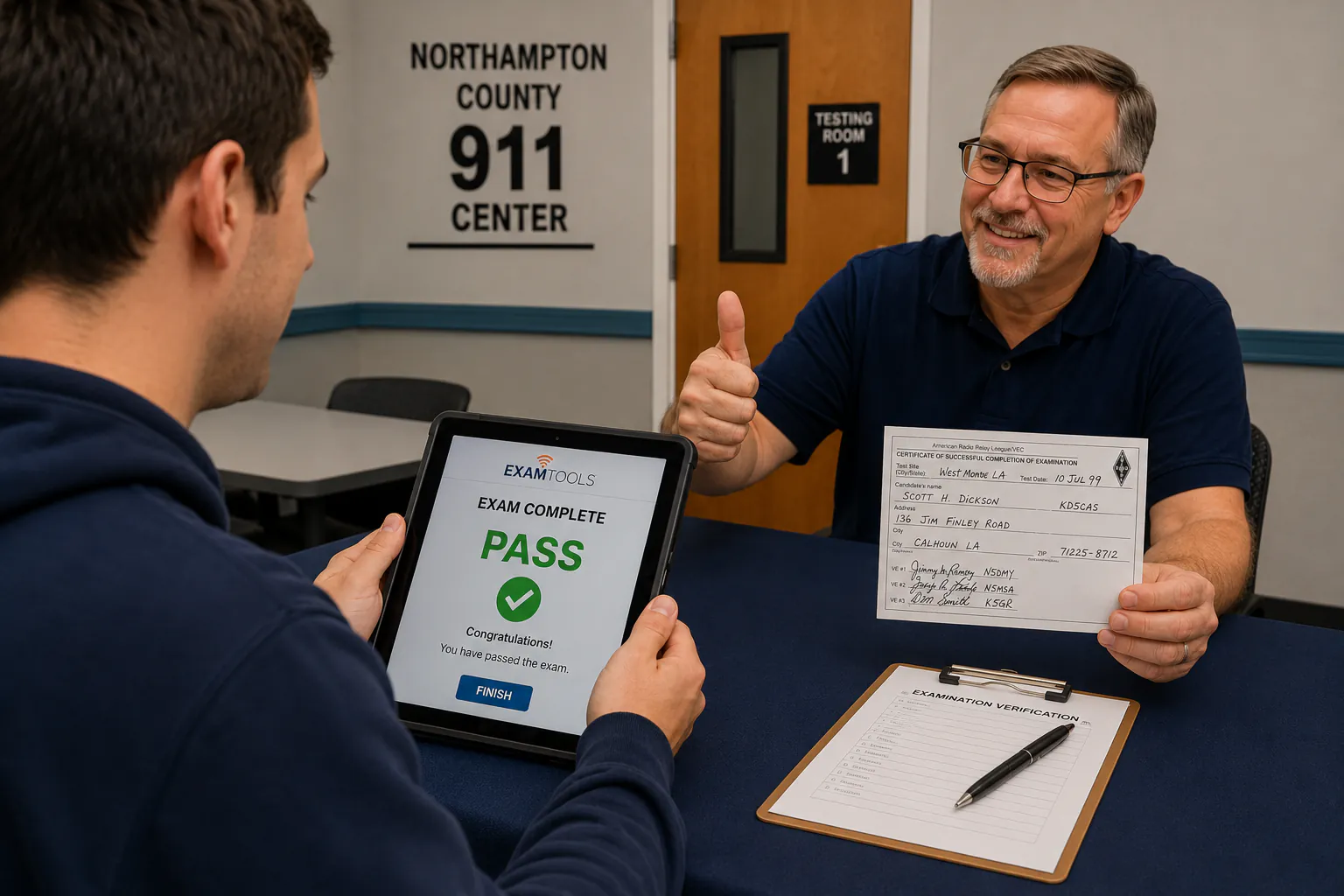
Results
Receive your results immediately. Successful candidates will receive instructions for the next step in the licensing process.
After You Pass
Congratulations! After successfully passing your examination, our Volunteer Examiner team will submit your paperwork through the ARRL Volunteer Examiner Coordinator (VEC). The following steps explain what happens next.
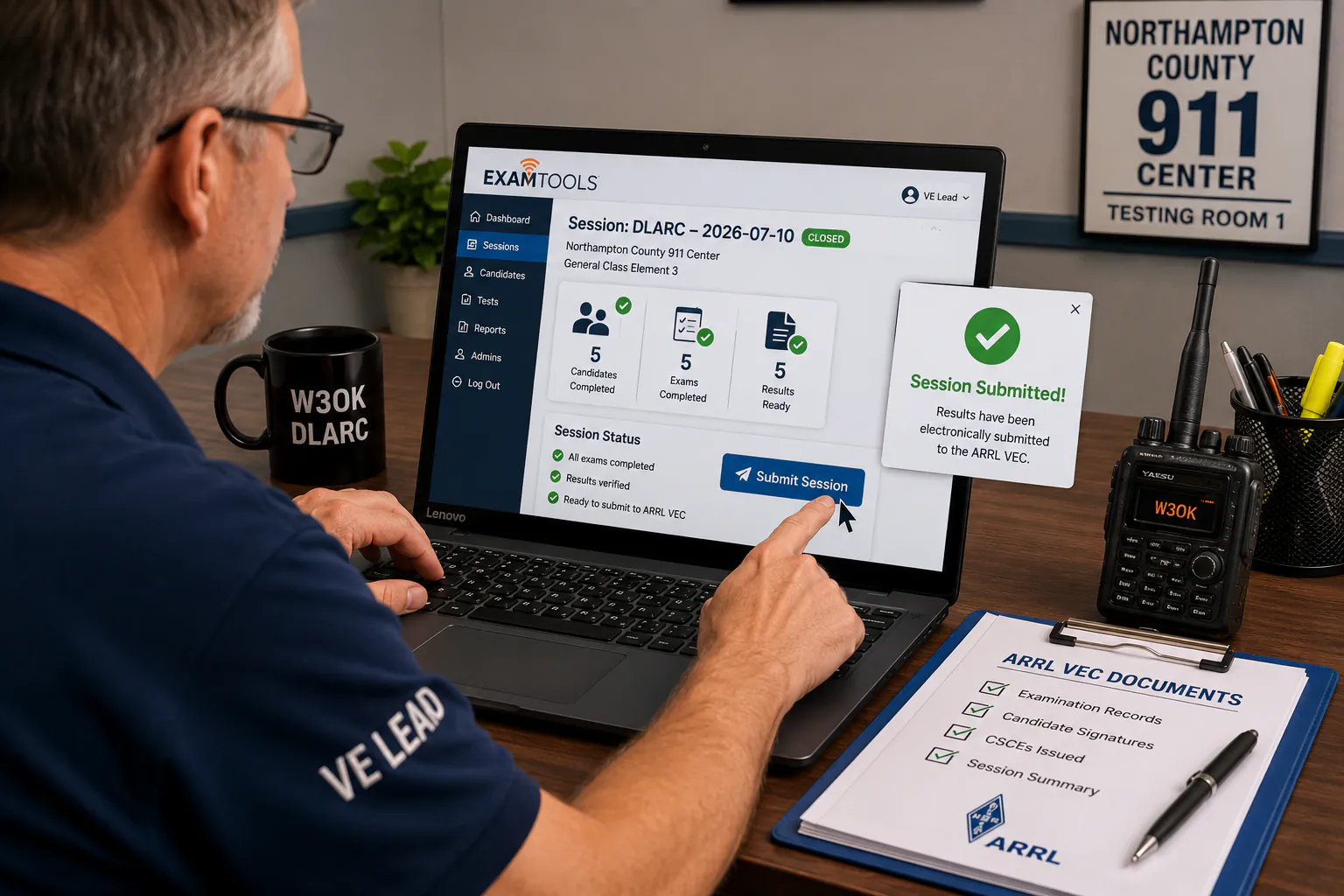
Exam Submitted
Your examination results are reviewed and electronically submitted to the ARRL Volunteer Examiner Coordinator.
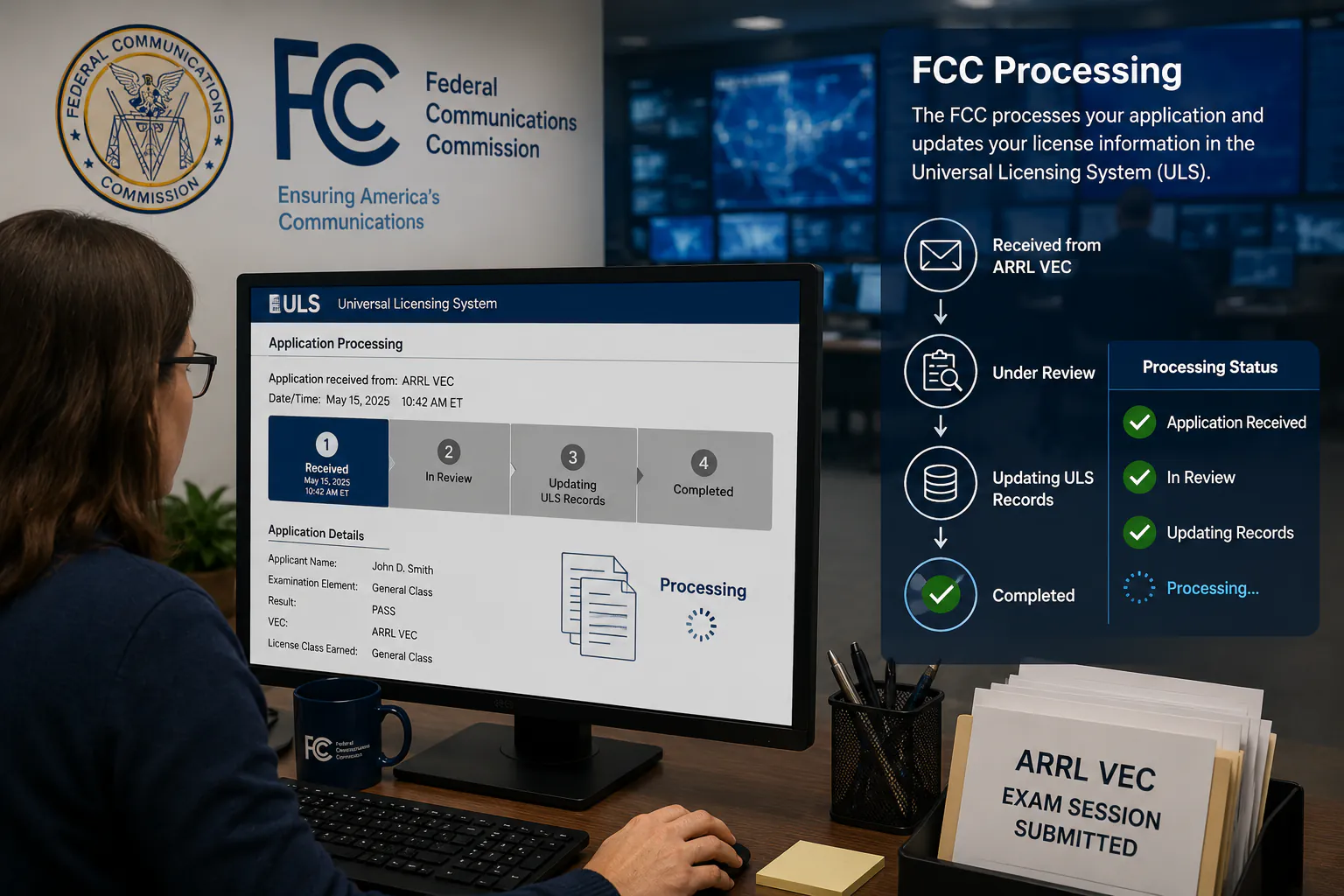
FCC Processing
The FCC processes your application and updates your license information in the Universal Licensing System (ULS).
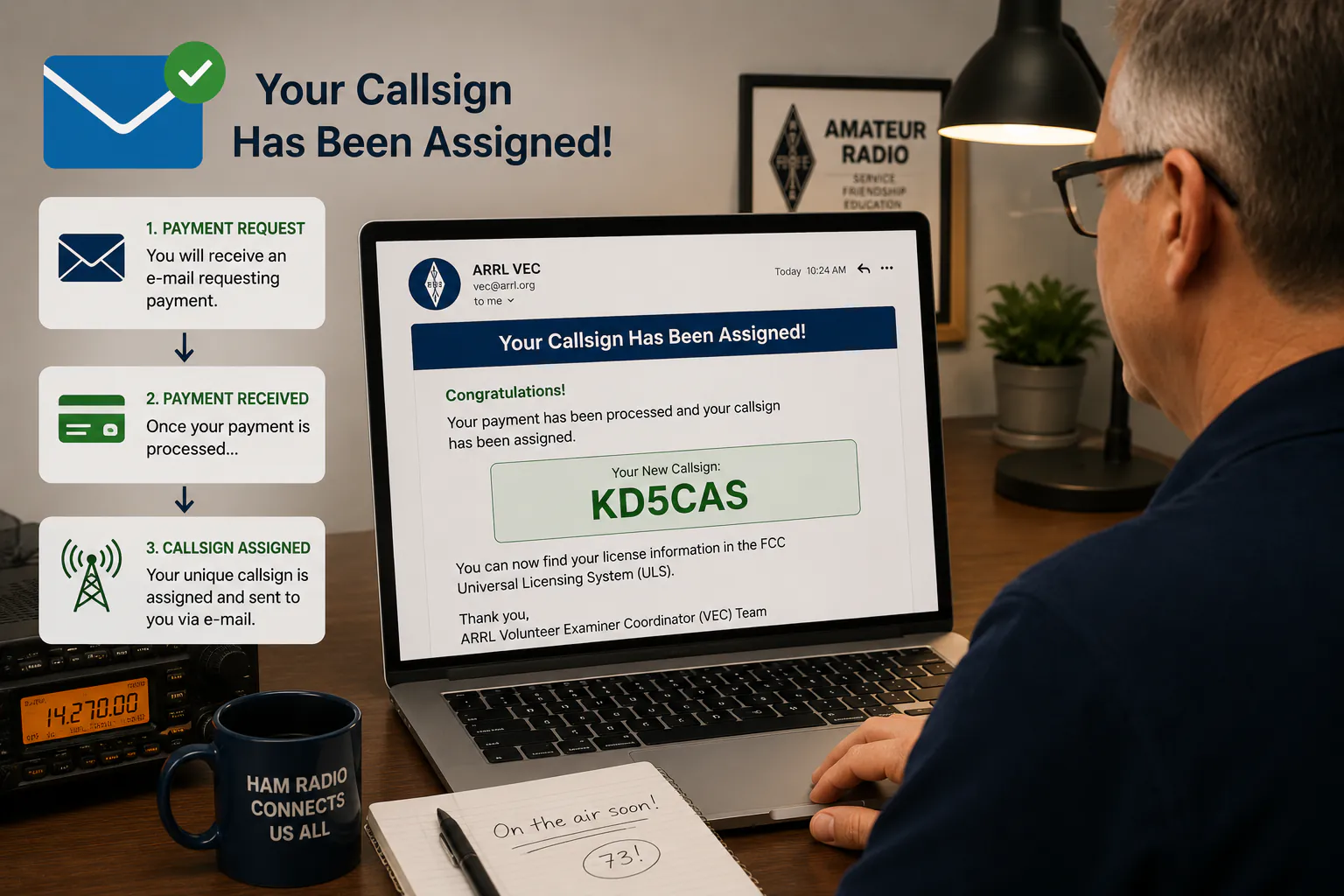
Receive Callsign
New licensees receive an E-Mail requesting that they make their payment. After payment your callsign will be assigned and sent to you via email. Upgrade candidates will see their new operating privileges reflected in FCC records.
Get On The Air
Once your license grant appears in FCC records, you may begin operating using your assigned callsign and privileges.
Frequently Asked Questions
Below are answers to the questions our Volunteer Examiner team receives most often.
How much does the exam cost?
The current exam session fees are $15, cash is preferred. Fees are collected in accordance with ARRL Volunteer Examiner Coordinator policies.
Do I need an FCC Registration Number (FRN)?
Yes. Every amateur radio exam applicant must obtain an FCC Registration Number (FRN) before testing.
What is a Candidate PIN?
Your Candidate PIN is provided through HamStudy after registering for a testing session. You will use this PIN to join your ExamTools testing session on exam day.
Can I take more than one exam element?
Yes. Candidates who pass an examination element may be offered the opportunity to attempt the next license class examination during the same session for free.
What should I bring to the exam?
Bring your FCC Registration Number (FRN), photo identification, Candidate PIN, and any required license documentation if upgrading.
Can I use a calculator?
Certain calculators may be permitted in accordance with ARRL VEC rules. Programmable calculators must comply with current examination requirements.
When will I receive my callsign?
Most successful applicants receive their callsign within a few business days after FCC processing is completed.
What happens if I do not pass?
Candidates who do not pass should speak with the Volunteer Examiner team about available retesting options.
Do you offer remote testing?
Please contact the DLARC Volunteer Examiner team for current testing options and availability.
Questions? Contact The VE Team
Our Volunteer Examiner team is happy to help with licensing, upgrades, FRNs, HamStudy registration, ExamTools testing sessions, and general amateur radio licensing questions.
dlarcveleads@dlarc.club
Testing Location
Northampton County 911 Center
100 Gracedale Avenue
Nazareth, PA 18064
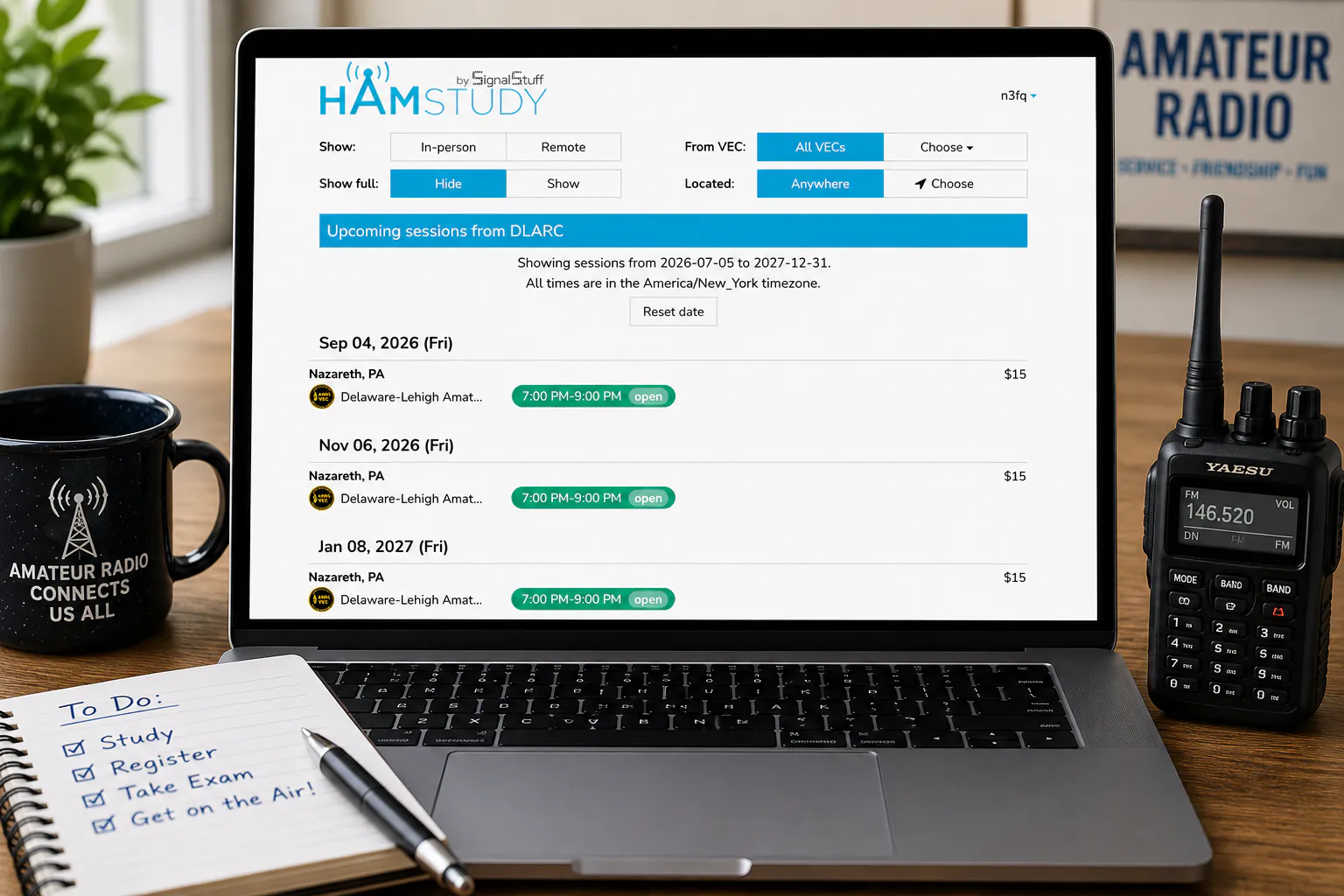
Testing Sessions
Sessions are scheduled through HamStudy and ExamTools.
Ready To Start?
Getting licensed is easier than you might think.
Follow these three steps to begin your amateur radio journey with DLARC.
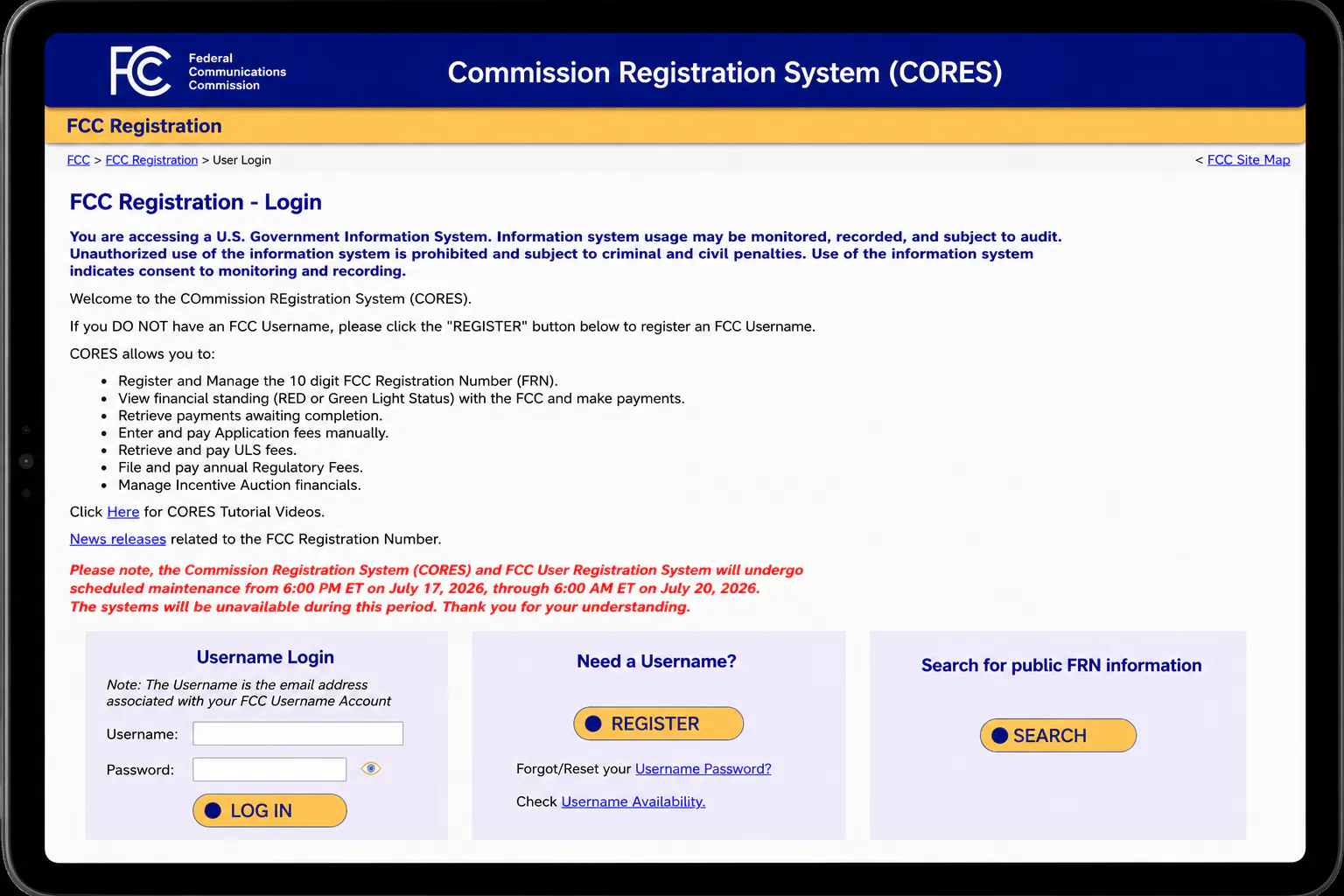
1. Get Your FRN
Create your free FCC Registration Number through FCC CORES.
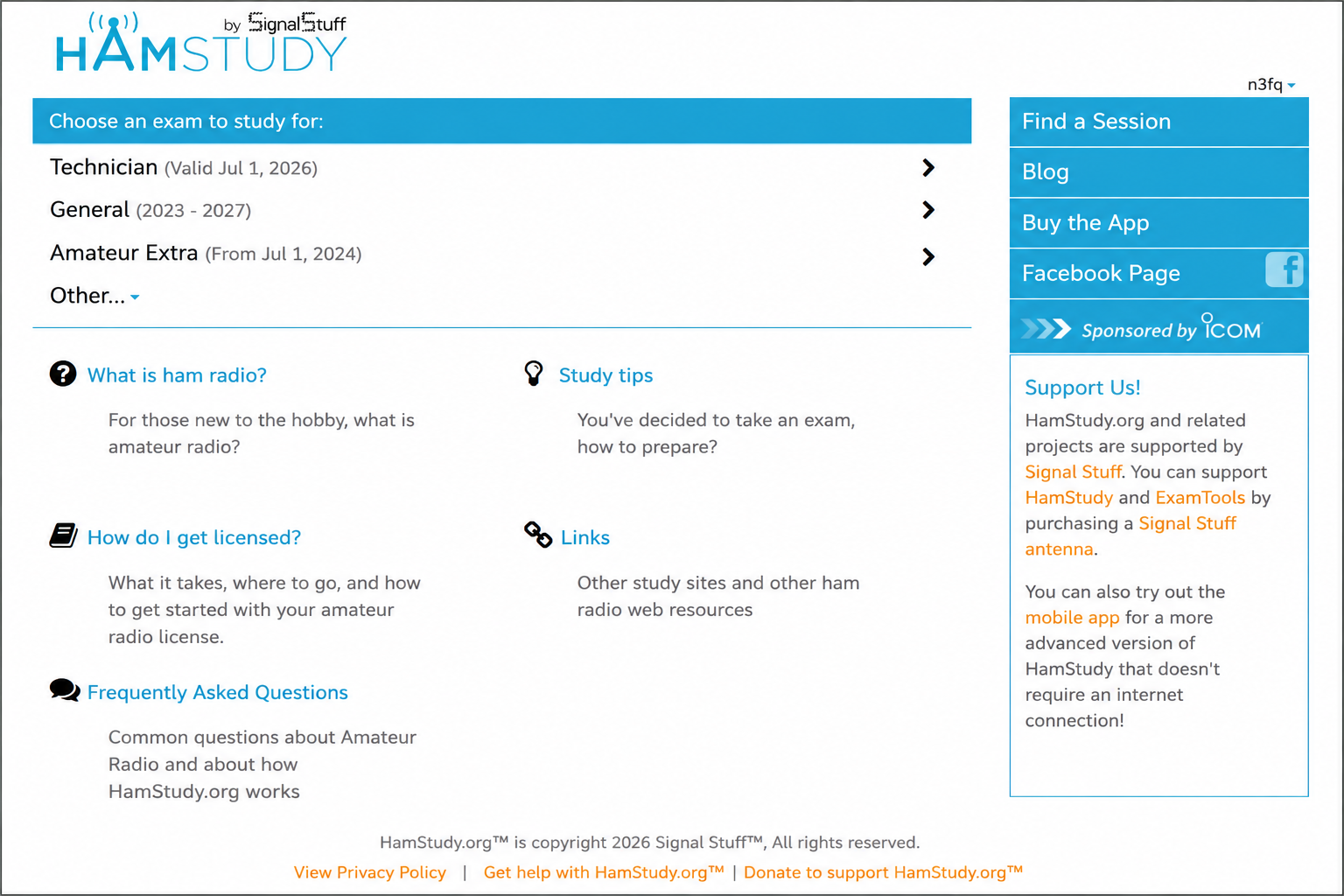
2. Create HamStudy Account
Create a free HamStudy account. You will use it to register for exam sessions, receive your Candidate PIN, and access testing information.
3. Register For A Session
Choose a DLARC testing session and receive your Candidate PIN.